
Image systemName: “faceid”
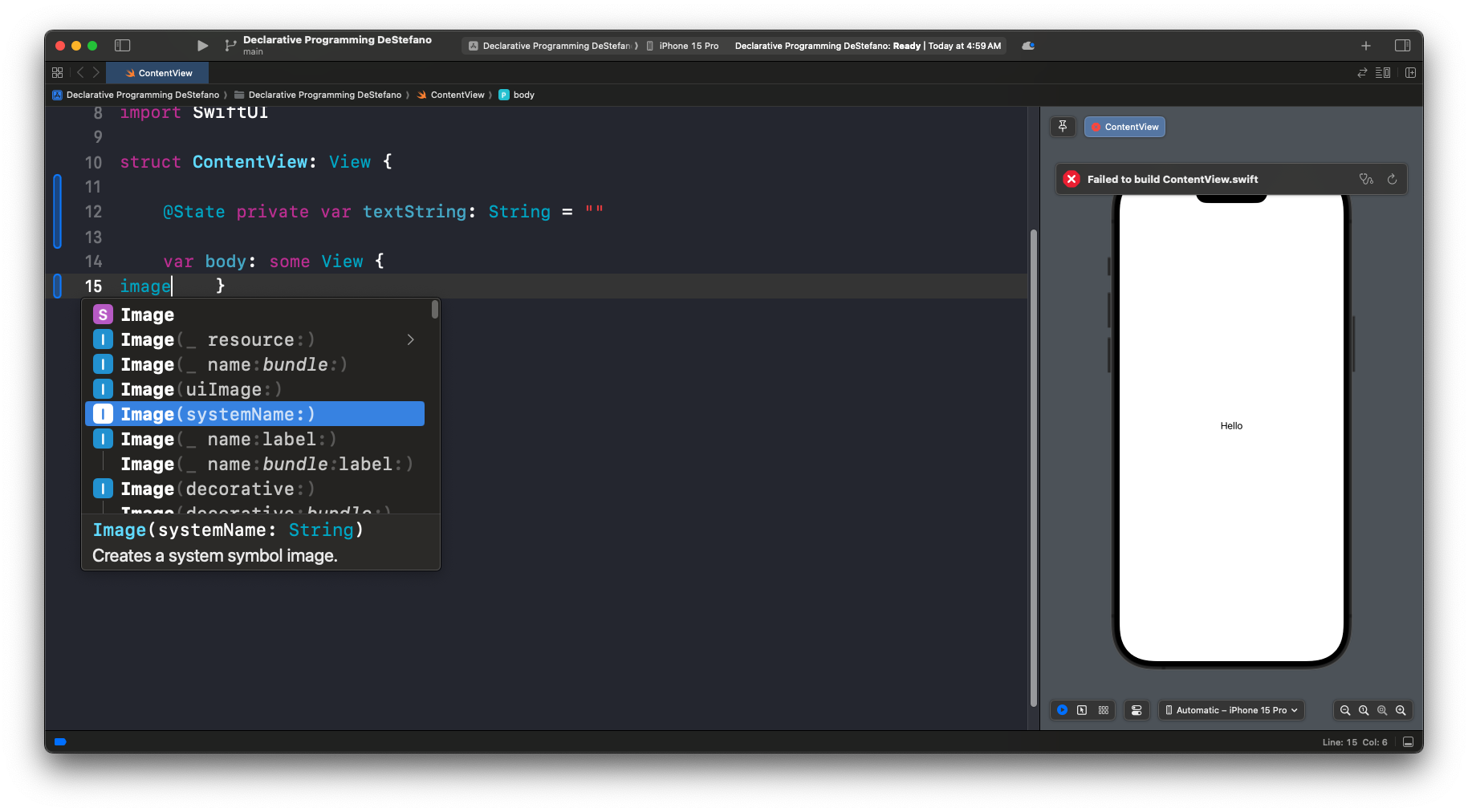
import SwiftUI

struct ContentView: View {

    @State private var textString: String = ""

    var body: some View {
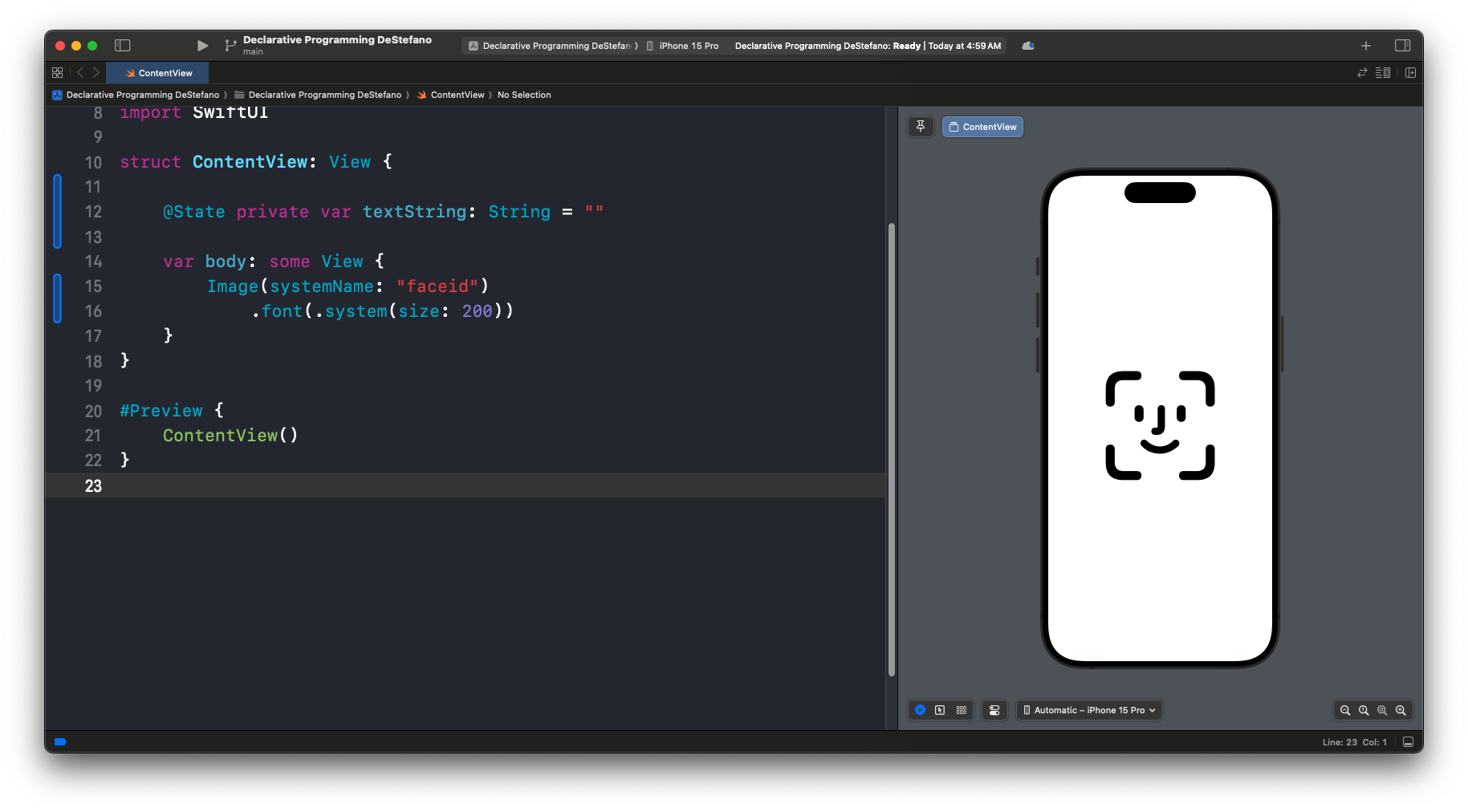
        Image(systemName: "faceid")
            .font(.system(size: 200))
    }
}

#Preview {
    ContentView()
}
.font(.system(size: 200))
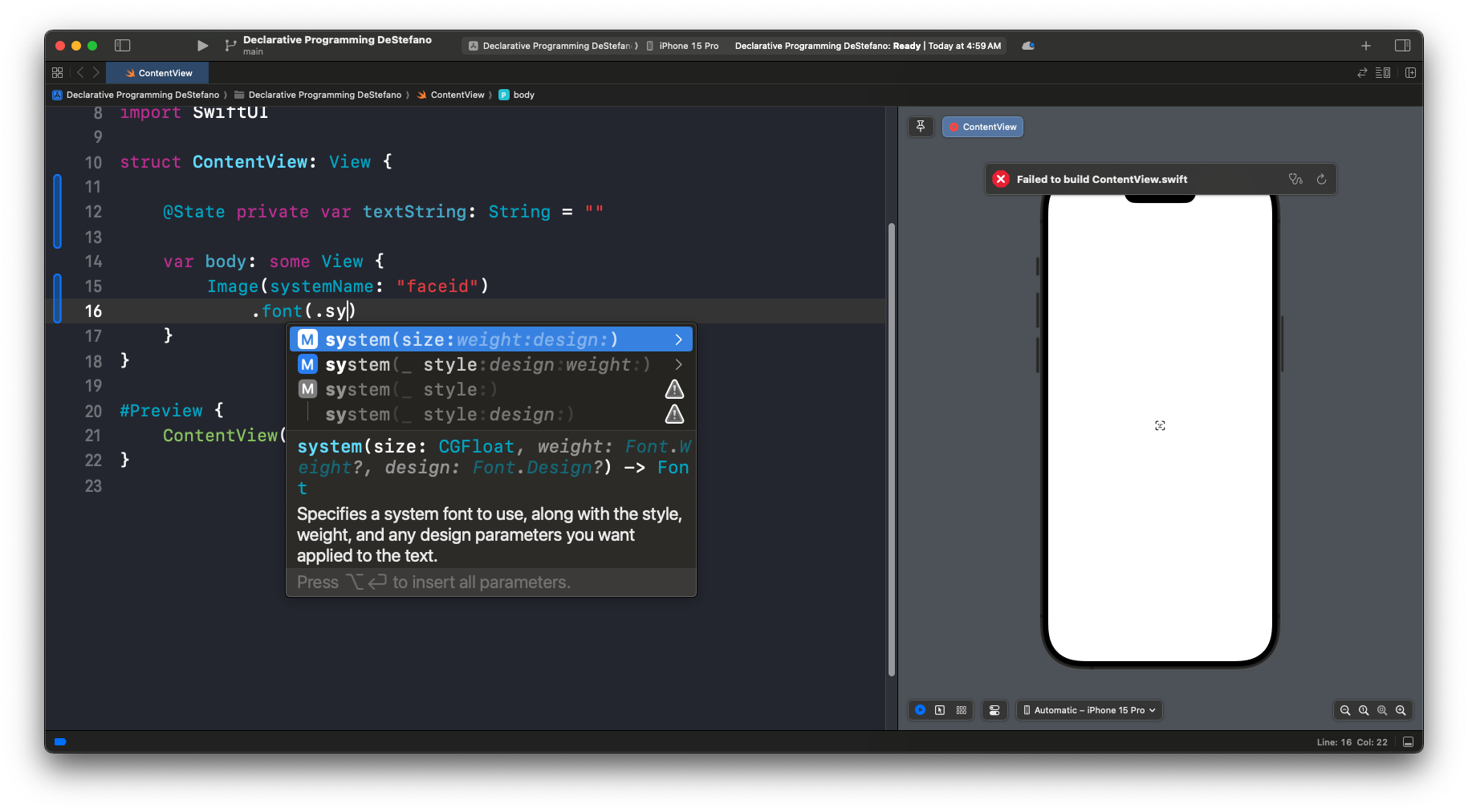
Since .font(.sy is easy to type, let’s use autocomplete after that.
.font(.sy
.font(.system(size: 200))
Example with “Guitars”
.font(.system(size: 150))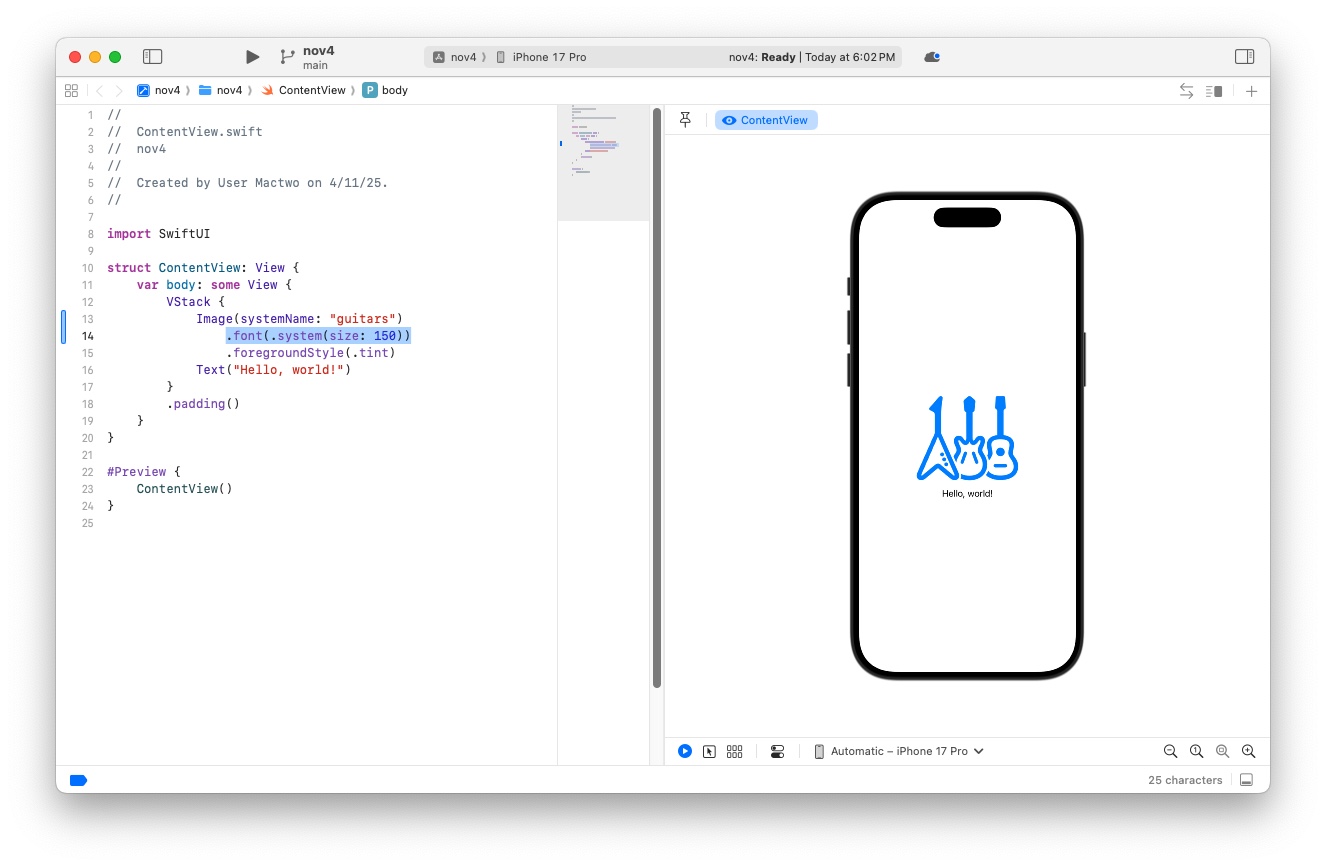
Additional font modifiers
.font(.title)
.font(.largeTitle)
Two ways to change COLOR
- foreground Style
.foregroundStyle(.blue)
- foreground Color
.foregroundColor(Color.red)
IMPORTANT: there is no “period” at the begening of the word “Color” inside the parenthesis.
Leave a Reply